Model Settings
To start a new model:
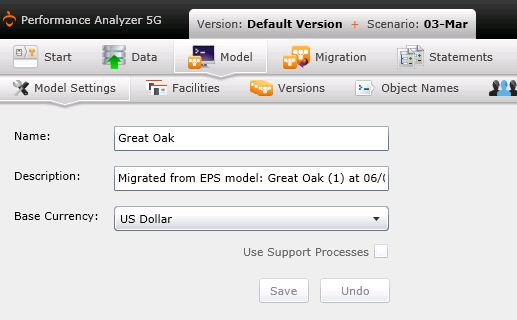
- Navigate to the Model Settings screen from the "Model" link on the Main Menu.
- Use this screen to change/add the name of your model, add a description, and assign a base currency.
- Select the box beside "Use Support Processes" if support processes are included in the model.
- Select "Save" to save all changes before exiting to another screen.
- To create different versions of a model, select "Versions" under "Data."
Related Topics: